




View on Amazon
Razer Laptop Cooling Pad Review: Smart Cooling for 14″ to 18″ Laptops
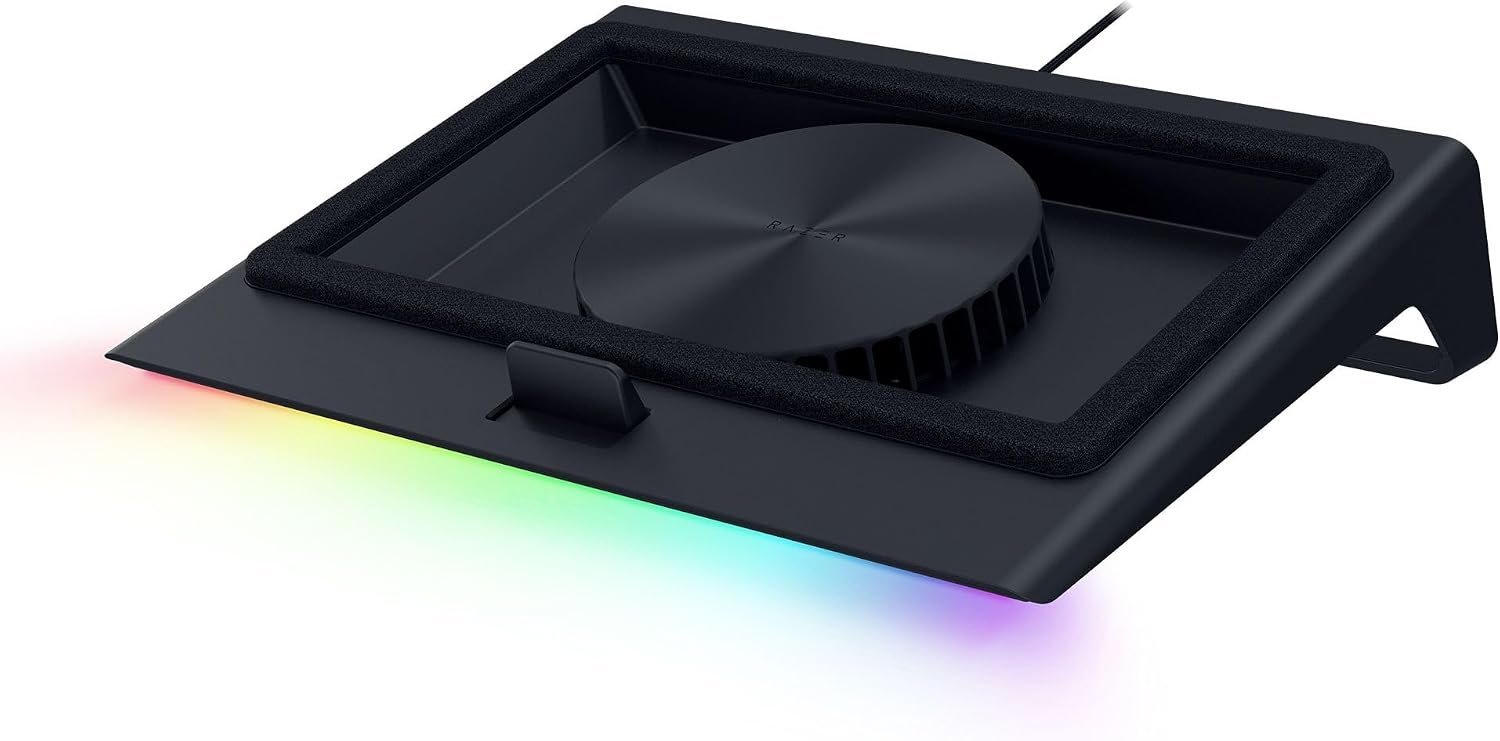
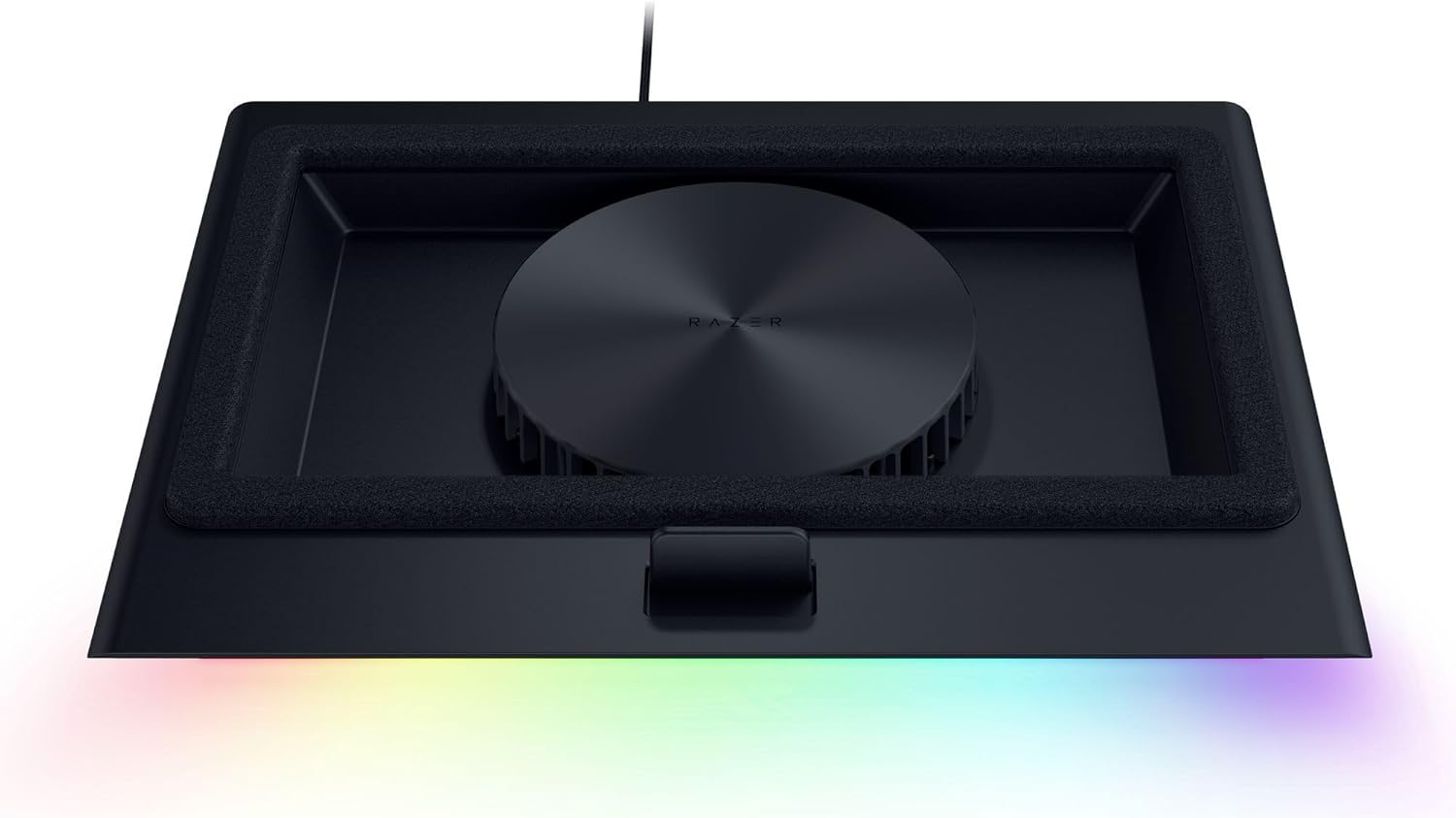
Hot laptops throttle, get loud, and become uncomfortable to use. The Razer Laptop Cooling Pad tackles that with an airtight pressure chamber, a high-velocity fan, and automatic speed control, plus extras like a USB hub and programmable buttons. It’s designed for gamers, creators, and anyone who pushes a laptop hard.
Cooling That Adapts to Your Workload
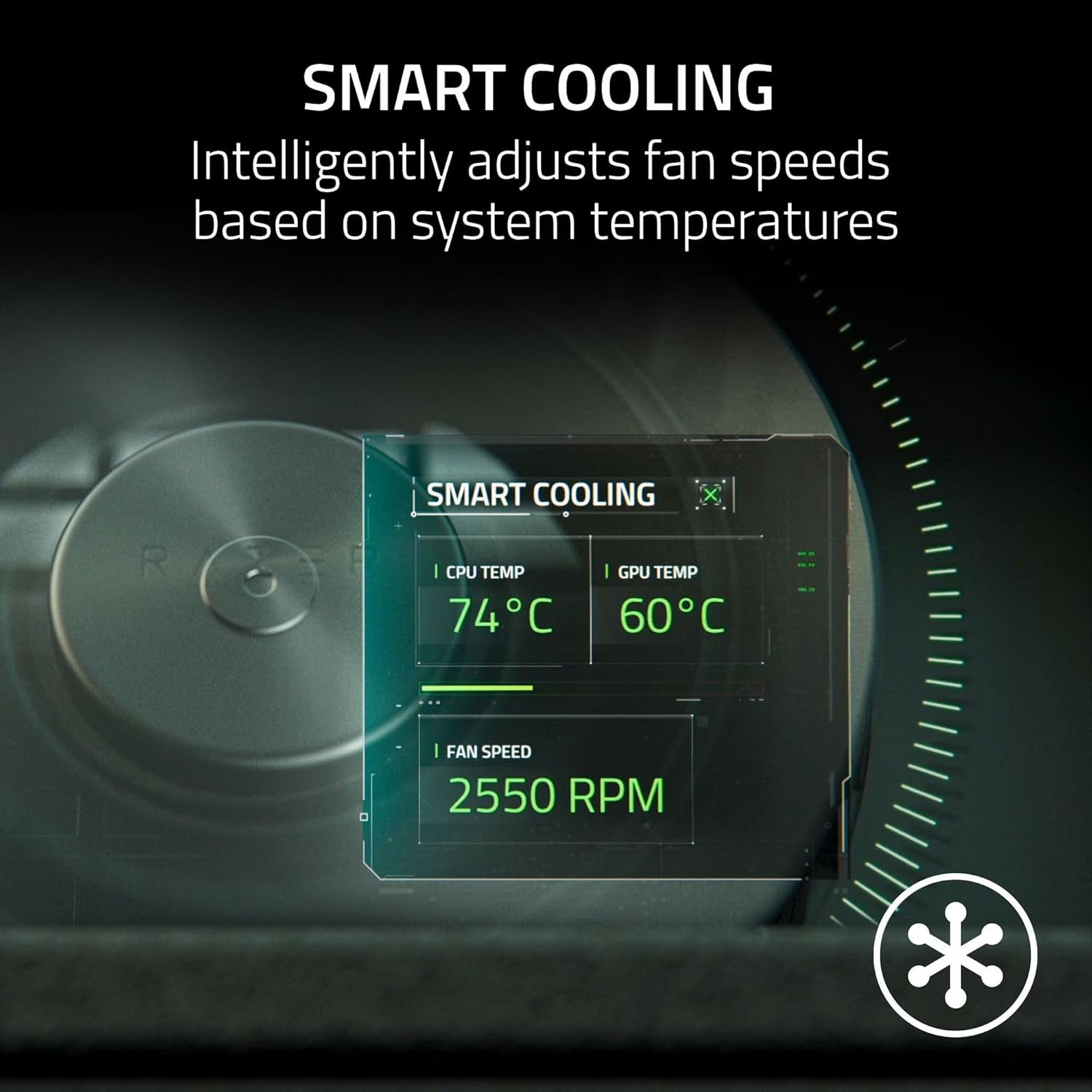
The pad adjusts fan speed automatically based on your system temperatures, from idle to full load. Razer describes it as its first laptop cooling pad to do this, so the fan works harder only when your laptop needs it, based on your settings.
Airtight Pressure Chamber
Included foam seals prevent cool air from leaking out. Combined with a high-velocity 140 mm fan, the sealed chamber helps significantly reduce CPU, GPU, and surface temperatures, which means better circulation and less heat building up under your machine.
Fits Most Laptops
Whether you own an ultra-portable 14″ model or an 18″ powerhouse, the pad is built to fit. Three magnetic frames let you match the pad to your laptop size, maximizing air pressure and circulation.
Preset and Custom Fan Curves
Use Razer’s recommended presets or fine-tune the fan through Razer Synapse. You can prioritise a quieter experience or a lower internal temperature, depending on whether you’re working in a library or in the middle of a gaming session.
Built-In 3-Port USB-A Hub
Webcams, controllers, and drawing tablets can all plug into the pad’s USB-A hub, so you don’t have to rely only on your laptop’s built-in ports. It’s a handy bonus if your laptop is short on connections.
Remappable Multi-Function Buttons
The buttons let you change fan speed and Razer Chroma RGB lighting on the fly. Through Razer Synapse, you can also remap them to adjust volume, launch apps, and more.
Performance Specs
- Fan speed: up to 2550 RPM
- Airflow: up to 44.46 CFM (at max RPM)
- Noise level: up to 48 dB (at max RPM)
Razer HyperBoost
For compatible Razer Blade laptops, HyperBoost takes advantage of the pad’s smart cooling to improve thermal performance. That allows key components to sustain higher power limits, which can translate into stronger performance under load.
Who Should Buy It?
- Gamers who want to keep temperatures down during long sessions
- Creators running demanding editing, rendering, or design software
- Razer Blade owners who can use HyperBoost
- Anyone with a laptop that runs hot or loud
- Users who need extra USB ports
Final Verdict
The Razer Laptop Cooling Pad combines automatic fan control, a sealed airflow design, wide laptop compatibility, and useful extras like a USB hub and remappable buttons. For anyone who wants a smarter way to keep a demanding laptop cool and performing well, it’s a solid choice.